AAvailable now
Android app
The full local-first tracker, with optional Google-backed synchronization when you choose it.
Download signed APK ↓Read update instructionsPineapplePeps brings its apps, account-free tools, download help, and privacy information into one useful place—whether or not you want to sign in with Google.
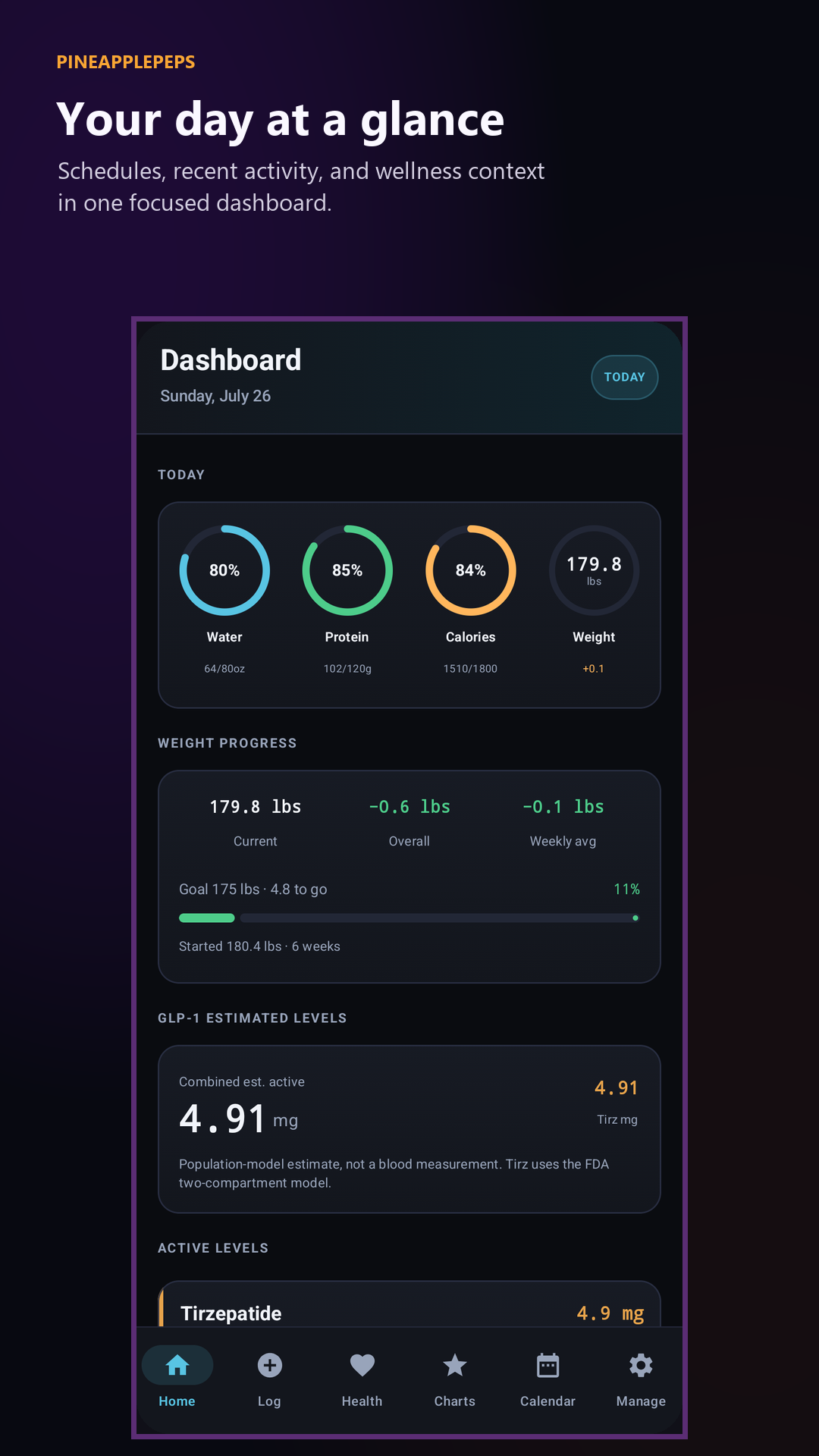
Android available now
Use an account-free reference tool, install a mobile app, or open the synced web workspace. Each option is labeled so you know what it needs.
The full local-first tracker, with optional Google-backed synchronization when you choose it.
Download signed APK ↓Read update instructionsThe Apple version is currently being tested through TestFlight. Use the public invitation link to join the beta and install the available build.
Join Apple beta →See iPhone & iPad previewsUse the calculator and reference links without an account, or sign in to work with records you already sync.
Use public tools →Open synced web appPineapplePeps keeps everyday tracking focused while making it clear which tools are public, which records stay local, and when sign-in is used for sync.
Track injections, weight, wellness, schedules, notes, and the details that make your history useful later.
Turn your history into focused charts and complete reports instead of a disconnected list of shots.
Start with account-free public tools, keep records locally on mobile, or opt into supported cloud sync.
No ads, no required account for public tools, and a clear boundary around any records you choose to sync.
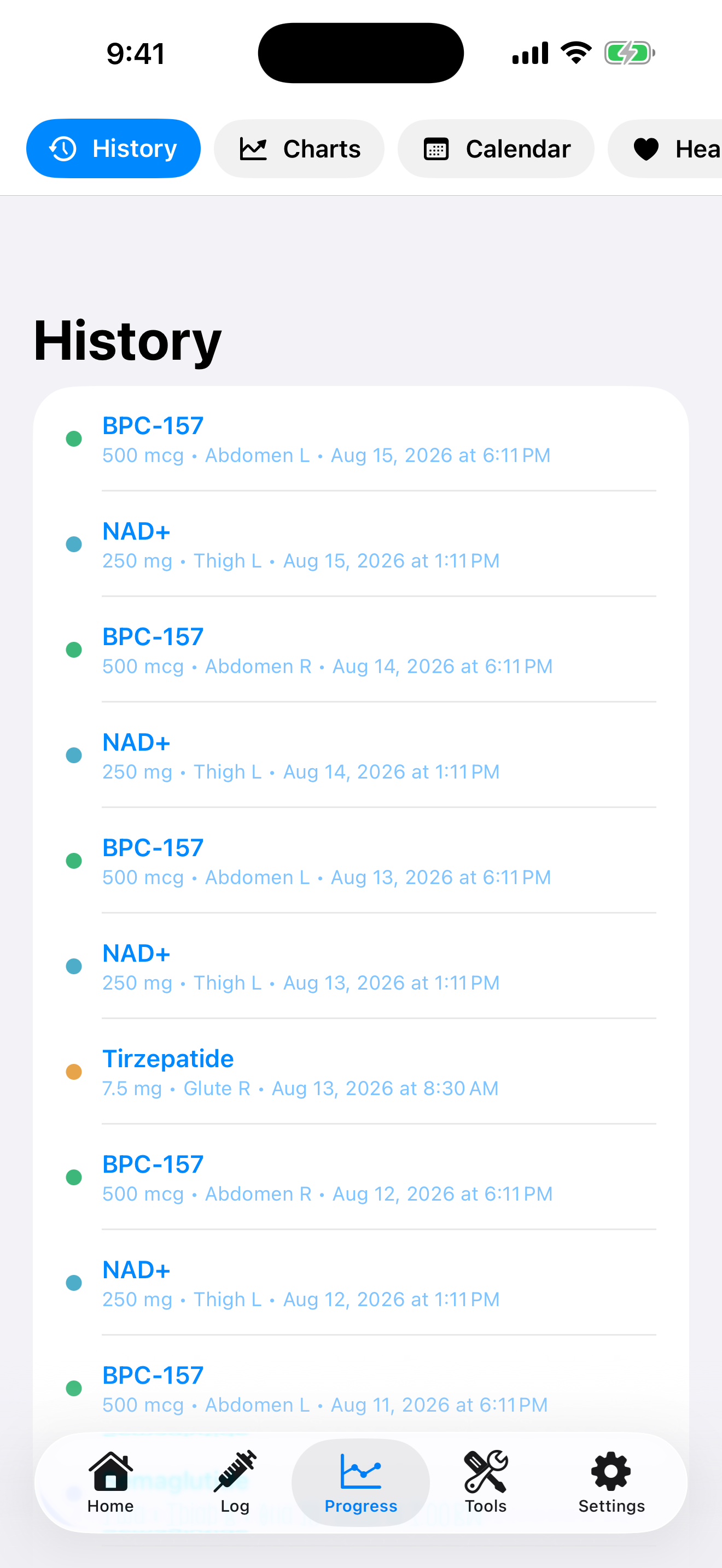
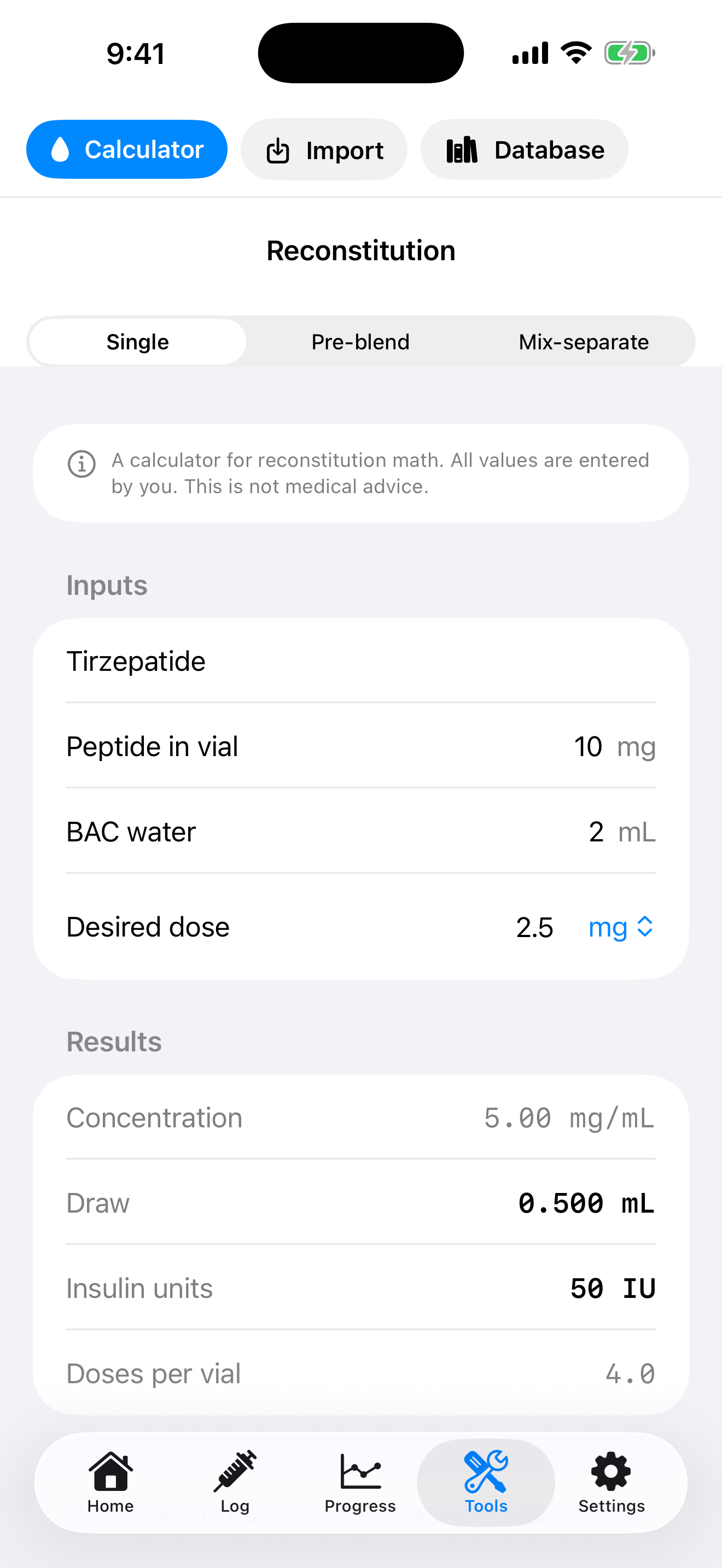
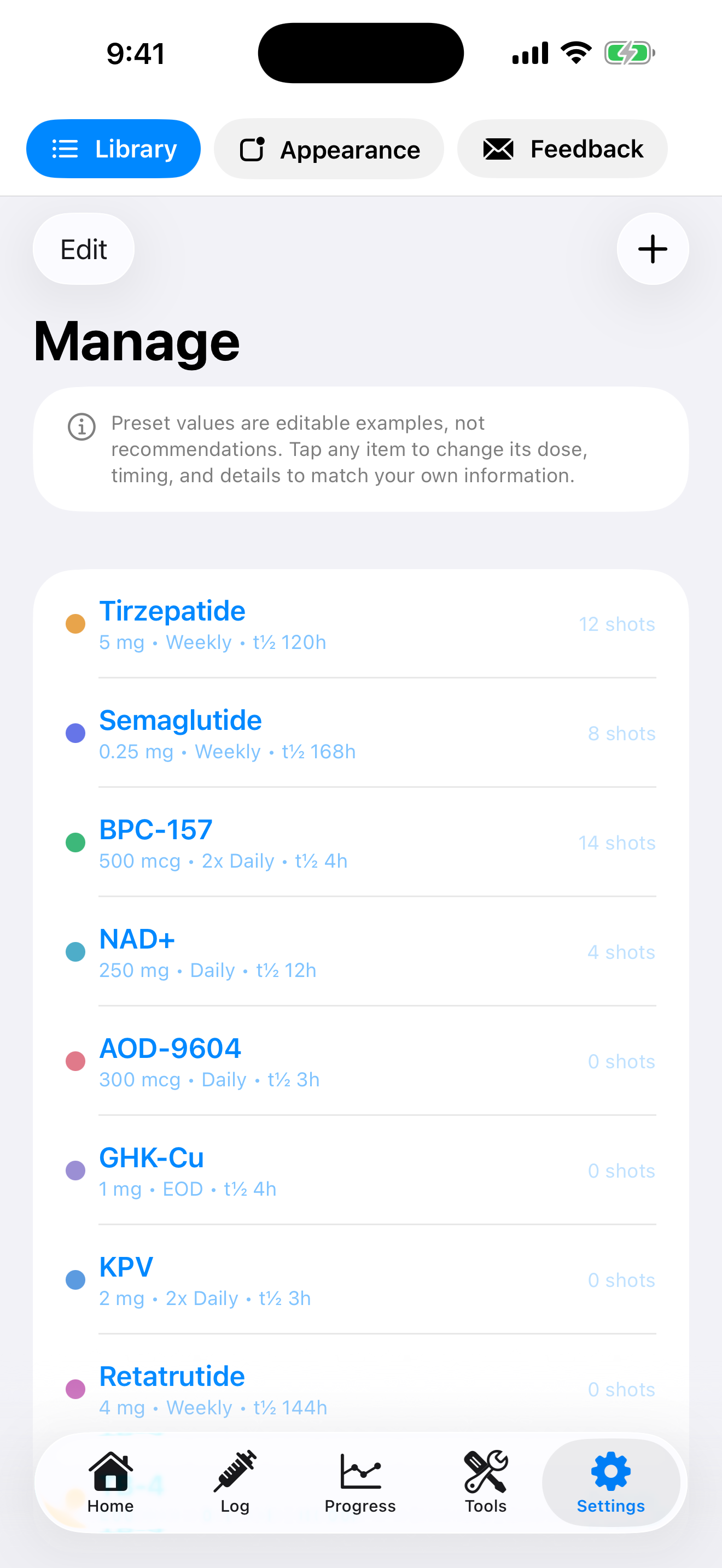
Explore the current iPhone beta—from the home dashboard and quick logging to charts, history, reconstitution math, and the peptide library.
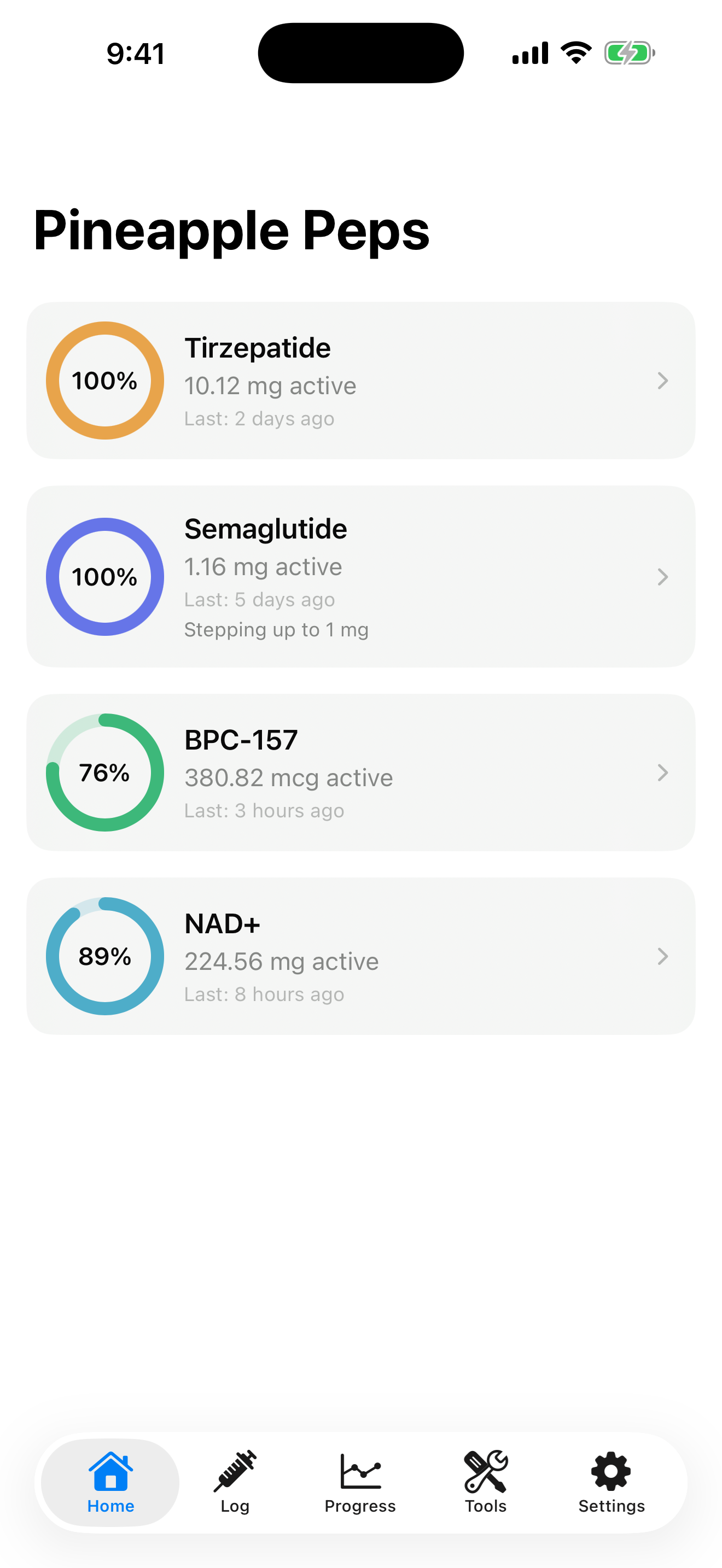
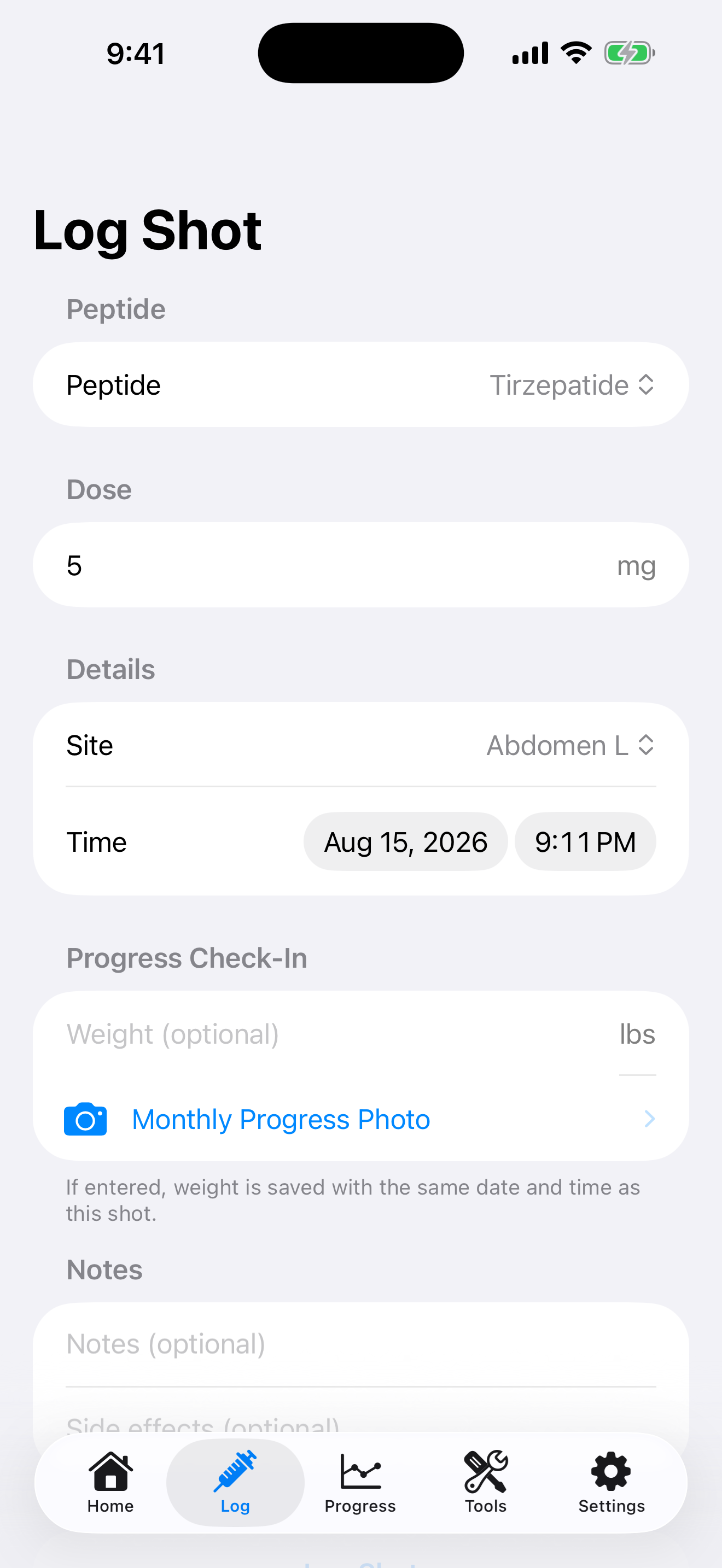
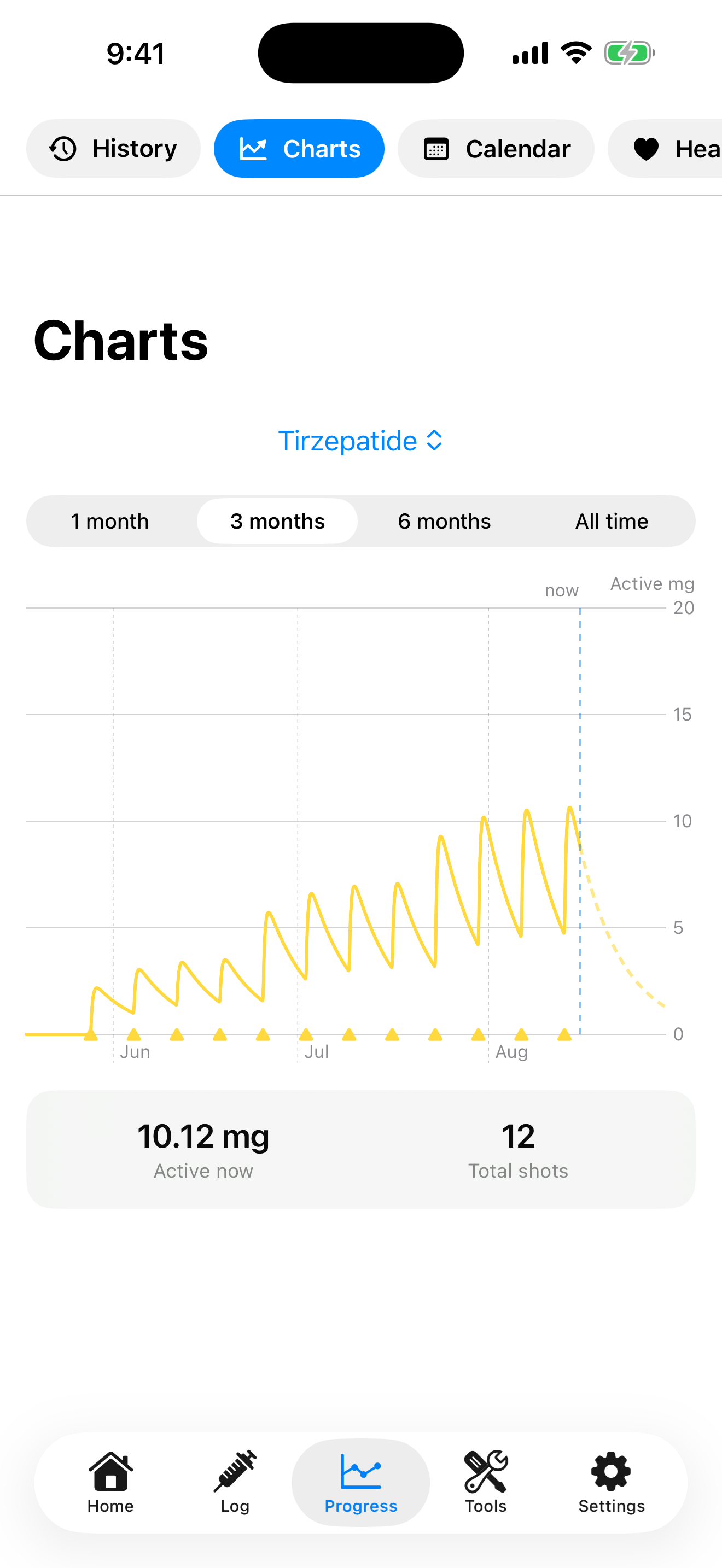
Install this APK over your existing PineapplePeps Android app. When it is signed with the same release key, Android updates the app and keeps the data already on your device.
Tap the official APK button on this page.
Open the download and choose Update.
Android may ask your browser to install unknown apps.
Open Manage and verify 4.9.1 (53).
Modeled-level estimates are approximate personal record context—not blood measurements, medication effect, safety guidance, or dosing guidance.
Advanced users can compare this SHA-256 value with the downloaded file.
A62F6AA69117FCD77FF5D0010053CD999D2CCED15DBA1F0895C8DE9A716B6550
Open the public calculator and reference links with no Google account. If you later want to work with synced records, the signed web app remains a separate choice.